
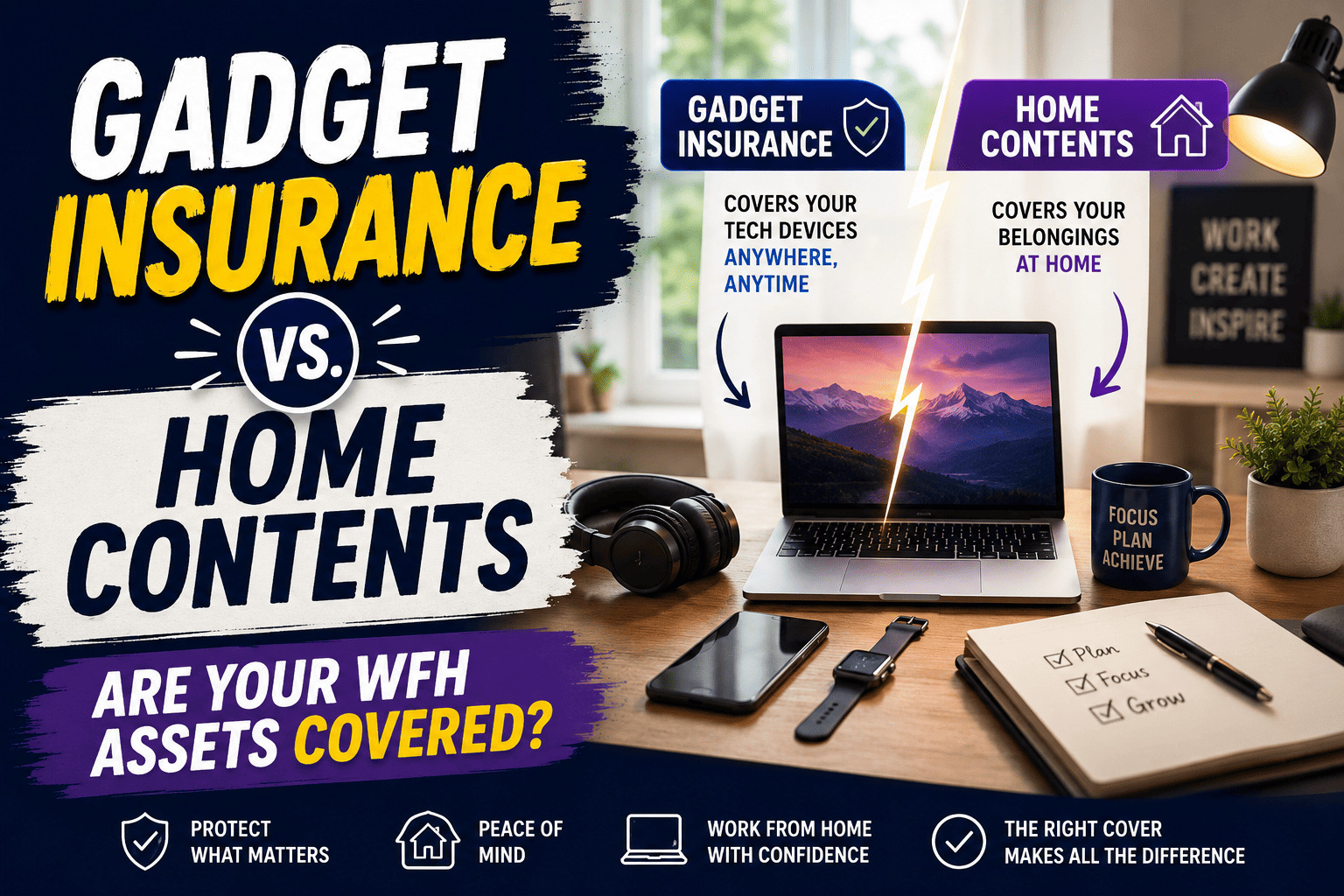
The boundary between our professional lives and our domestic spaces has permanently blurred. Millions of professionals in the UK now operate entirely or partially from home offices, surrounded by a high-value ecosystem of laptops, smartphones, dual monitors, and complex technical setups.
But this shift has introduced a complex, often misunderstood financial vulnerability: who actually owns the risk if your workstation is destroyed, stolen, or damaged?
If a cup of coffee spills directly into a high-spec mechanical keyboard and laptop setup, do you turn to your standard household policy, file a claim on a specialized UK gadget insurance comparison platform, or request an emergency replacement from your employer’s IT department? Understanding the intersections between standard residential indemnity, dedicated gadget protection, and corporate liability is essential. Let us break down how your remote assets are genuinely protected.
The Core Dilemma: Is My Work Laptop Covered by Home Insurance UK?
The definitive answer to the question is my work laptop covered by home insurance UK hinges completely on a single factor: legal ownership of the asset.
1. The Company-Issued Device
If your remote workstation consists of a laptop, smartphone, or tablet provided directly by your employer, these devices are almost never covered under a standard residential contents policy. Because your employer retains legal ownership of the corporate hardware, you do not possess an “insurable interest” in the equipment. Instead, the financial responsibility for accidental damage, technical failures, or hardware theft rests solely on your employer’s commercial or corporate property insurance policies.2. The Personal Device (BYOD)
If you utilize your own personal MacBook, PC, or iPad to fulfill your daily professional duties—often referred to as a Bring Your Own Device (BYOD) workflow—the hardware remains technically eligible for protection under your household policy. However, many basic home contents policies carry explicit exclusionary clauses that invalidate coverage if a personal asset is damaged while actively being utilized for commercial or business purposes.For deep industrial guidelines on consumer hardware definitions and standard corporate electronics risks, you can read the British Insurance Brokers’ Association (BIBA) Guidelines to see how trade standards classify home corporate assets.
gadget Insurance Quote Engine
Home Contents Policies and Business Equipment: Analyzing the Fine Print
If you run your own remote business, operate as a freelancer, or use personal gear for work, relying on standard home insurance requires a close look at policy limits. Most mainstream providers segregate belongings into distinct categories, applying highly restrictive sub-limits to anything deemed business equipment home insurance.
| Policy Element / Trap | Typical Restriction / Financial Limit |
|---|---|
| Business Equipment Sub-Limit | £1,500 to £5,000 maximum total claim value across all business goods. |
| Single Item Limit (Unspecified) | £1,500 maximum per single device unless explicitly listed beforehand. |
| Accidental Damage Protection | Excluded by default; requires an extra paid optional rider. |
| Out-of-Home/Away From Home Cover | Strictly excluded by default; covers zero café or transit incidents. |
The “Single Item Limit” Trap
Even if your provider allows home contents cover for laptops, they almost always enforce a strict Single Item Limit (SIL). This is the maximum amount the insurer will pay for any individual item that has not been explicitly declared on the policy schedule. In the UK, the standard SIL typically sits around £1,500. If you use a high-spec computer setup, a premium tablet, or specialized creative gear, your hardware’s replacement value could easily exceed this limit, leaving you significantly underinsured. For larger home alterations, you should also keep in mind how structural changes might alter your main policy limits; see our deep dive on does an extension affect home insurance uk for more details.
The Problem with Out-of-Home Coverage
Standard home contents insurance protects your belongings only while they are physically located within the boundaries of your registered property. If you decide to work from a local café, a shared workspace, or while traveling on a train, your personal laptop loses all protection. To extend coverage past your front door, you have to purchase an additional Personal Belongings or All Risks add-on, which raises your monthly premiums significantly.
Dedicated Gadget Insurance: A Tailored Solution for Remote Professionals
Because standard home insurance can leave noticeable gaps for remote workers, dedicated gadget insurance has become an increasingly popular alternative. These specialized policies are built specifically to handle the portable, high-risk nature of modern consumer electronics.
When comparing options on a UK gadget insurance comparison site, look for these specific protections that standard home insurance usually misses:
-
- Accidental Damage and Liquid Emulsion: Standard home insurance often treats liquid damage as an optional add-on. Gadget policies include it by default, covering everything from drop-induced screen cracks to coffee spills.
-
- Worldwide and Out-of-Home Cover: True gadget insurance protects your devices anywhere in the world—whether you are working at a local coffee shop or operating remotely from abroad.
-
- Mechanical Breakdown Coverage: If your laptop’s internal hardware fails outside of its original manufacturer warranty period, a dedicated gadget policy will frequently pay for the parts and labor to repair it.
-
- Lower, Fixed Excess Structures: Claiming a damaged laptop on your home insurance can trigger a high voluntary or compulsory excess (often £250 to £500) and ruin your No Claims Bonus. Gadget policies usually feature lower, fixed excesses (ranging from £50 to £150) that won’t impact your main home policy.
If you are a student or balancing remote studies alongside professional work, these specific gadget policies offer excellent value. Explore our guide on student gadget insurance UK to see how tailored cover works on a student budget.
Side-by-Side Comparison: Home Contents vs. Dedicated Gadget Insurance
| Feature / Scenario | Standard Home Contents Insurance | Dedicated Gadget Insurance Policy |
|---|---|---|
| Primary Design Intent | Broad protection for static household goods (furniture, carpets, clothes). | Pointed, high-risk protection for individual portable electronic devices. |
| Accidental Damage Cover | Usually an optional add-on; often subject to high household excesses. | Included by default; tailored for screen cracks, drops, and liquid immersion. |
| Theft Outside the Home | Excluded unless you pay extra for a ‘Personal Belongings’ extension. | Included as standard for mobile setups, hot-desking, and international travel. |
| Impact of Making a Claim | Can wipe out your household No Claims Bonus and raise home premiums for years. | Isolated claim structure that has zero impact on your primary property insurance. |
| Unspecified Value Caps | Limited by a Single Item Limit (typically capped around £1,500). | Covered up to the explicit maximum sum insured chosen for that specific item. |
Critical Legal Considerations for Remote Workers
Beyond hardware damage, moving your workspace into your home introduces a few important regulatory and legal details that you should keep in mind.
Insurance Disclosure Rule: You must notify your primary home insurance provider if you regularly work from home. While standard administrative office work rarely changes your risk profile, failing to declare that your property doubles as a workspace can give underwriters a reason to void your entire policy if you ever need to file a claim.
If you rent your home while working remotely, staying up to date with shifting tenant regulations is essential for managing your overall risks. Landmark updates like the Renters’ Rights Act 2026 and rent guarantee insurance show how quickly the rental landscape is changing, making it more important than ever for tenants to secure their own independent contents or gadget cover.
Summary Checklist: Securing Your Remote Workspace
To verify your remote setup is fully protected, run through this quick workspace check:
-
- Identify Asset Ownership: List which devices belong to your employer and which ones you own personally.
-
- Confirm Employer Liability: Ask your company’s IT or HR department for written confirmation that their corporate insurance covers company hardware against accidental damage and theft while at your home.
-
- Check Your Single Item Limit: Look through your home contents policy schedule to see what your single item limit is. Make sure it covers the full replacement value of your personal laptop or desktop setup.
-
- Review Your Accidental Damage Terms: Confirm whether your home insurance covers accidental drops and liquid spills, or if you need to add this extra protection.
-
- Evaluate Dedicated Coverage: If you frequently work away from home or have high-value personal devices, consider running a quick check via our home portal to compare standalone gadget insurance premiums.
Taking the time to check these details now ensures that an accidental spill or hardware failure won’t interrupt your workflow or cause a major unexpected expense.